The car charger, from the tram
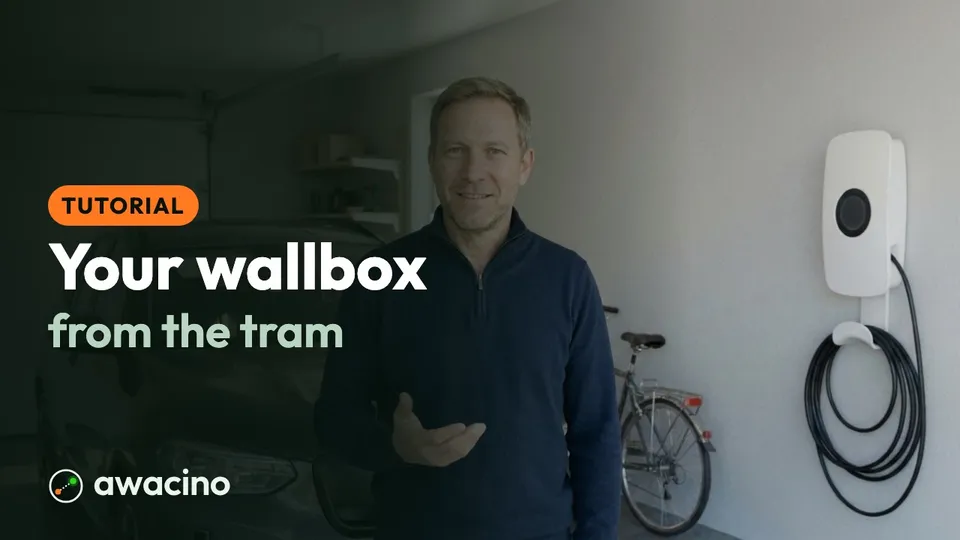
Hans is on the tram home and remembers that the car is not charging. He needs the wallbox at home now - not when he arrives, with an empty battery for tomorrow morning.

The problem
The wallbox only answers inside the home network. The usual answers are a forwarded port on the router - an open door that anyone on the internet can find - or a manufacturer cloud that may not offer the setting he needs.
How Awacino solves it
- 1
Awacino at home
Awacino runs on a device at home that stays on - a Raspberry Pi, a NAS, the home PC or, like Hans, an old Android phone on the wall. No router settings and no port to open.
- 2
Beam out on the tram
On the tram Hans taps Beam out and picks his home. Awacino finds the direct path: phone to home, encrypted end to end, also over mobile data.
- 3
Like standing in the garage
His phone gets a SituIP in the home network. The wallbox app finds the charger at its usual address, and Hans starts charging long before he gets home.
What you need
- Awacino on his phone and on a device at home that stays on - Hans uses his old Android phone
- Two free slots are enough: the phone and the computer at home
- No open port on the router, no cloud account for the wallbox
Try it with your own devices
Test with two slots for free, on your own devices and in your own setup.
Awacino in action
Get updated on new Awacino product videos: subscribe to our channel.
Subscribe on YouTube