Tutorials
Awacino tutorials
Step by step with the real app, plus our newest Shorts. Play them here or watch them on our YouTube channel.
How do I do this?
Every tutorial follows one of our users through a real task, step by step in the real app.
 First steps with AwacinoFrancesca shows how to test Awacino in a few minutes: two devices, two networks, one beam - and from her phone on mobile data she reaches the Raspberry Pi on her desk.Open the tutorial
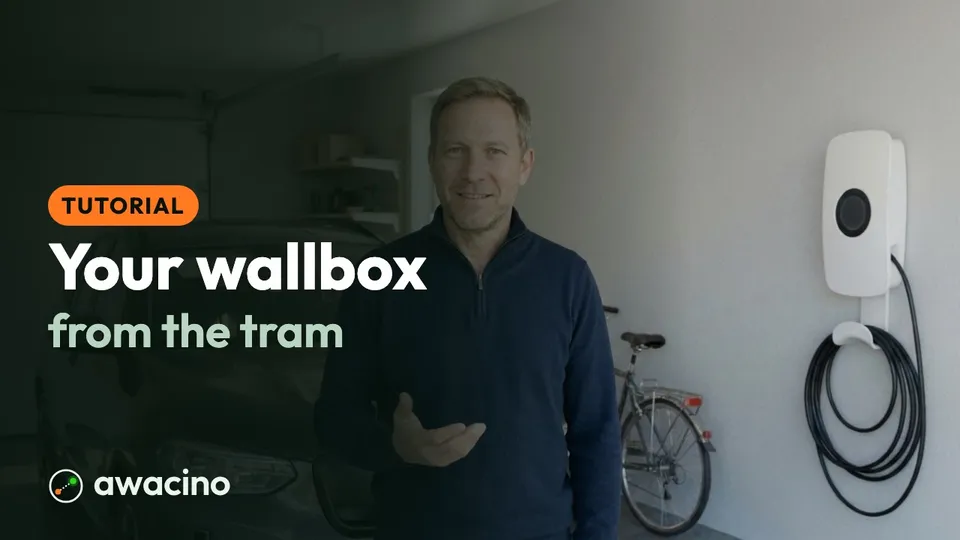 Your wallbox from the tramHans shows how an old Android phone at home and Awacino on his iPhone let him start the car charger on the way home - and open the garage for Rita.Open the tutorial
 Geo-blocked? Watch through your friend's internetAli watches Formula 1 at home in Italy, but the stream only plays in Austria. His friend Pascal in Vienna sends him a Beam-in code - Ali goes online through Pascal's home internet and mirrors the race to his TV.Open the tutorial
 Beam out into the network of your own deviceRita's home PC stays at home, signed in with her account. On holiday her laptop - with the same account - beams into her home network with one Connect.Open the tutorial
 Create a Beam in: let someone into your networkJonas, Ben's IT partner, needs the office server for a day. Ben creates a Beam-in code, Jonas enters it in Awacino - and Ben switches it off again with one tap.Open the tutorial
 Back up your holiday photos to the storage drive at homeRita shows how her phone beams into her home network from the beach and copies the photos to the storage drive in the living room - step by step, in the real app.Open the tutorial
 Open your office computer from the hotel roomBen shows how his laptop beams into the office network and opens his office iMac - in under two minutes, in the real app.Open the tutorial
Coming soon
The next tutorials with the Awacino cast - we are filming them now. Open one to see what it will show.












Product videos
Awacino in action
Get updated on new Awacino product videos: subscribe to our channel.
Subscribe on YouTubeShorts
About our videos: the Awacino app and the use cases are real. The people and scenes are AI-generated (fictional actors, not real persons), and the voices are synthetic.