On holiday, but home is one tap away
 By Anna Walter, Chief Marketing & Sales ·
A beach, a sunset - and suddenly you need that one document from the computer at home. Rita had exactly this moment. Here is how she solved it in a minute.
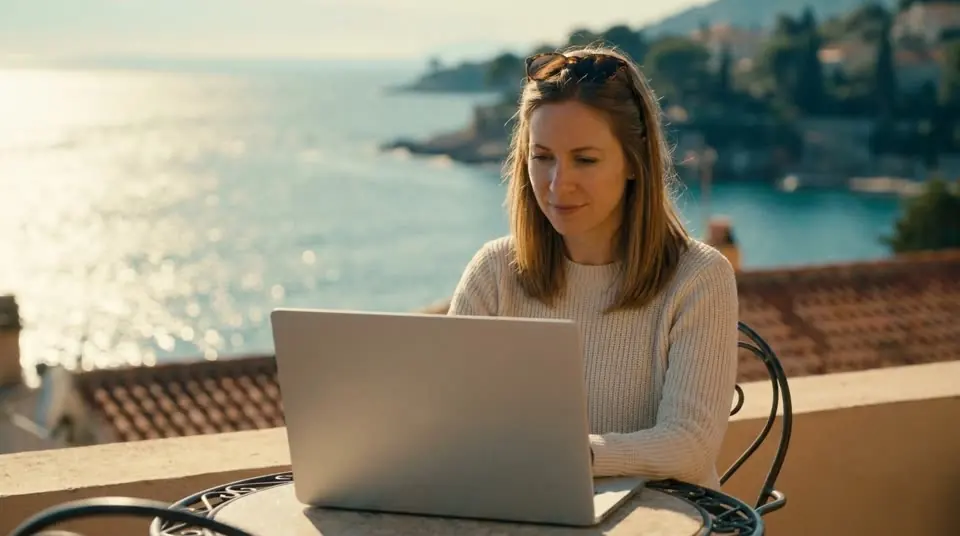
The file is at home, and you are not
We all know it: the contract, the form, the photo you wanted to show - it is on the computer at home. And the holiday photos on your phone should really be safe on the storage drive in the living room before something happens to the phone.
What Rita did
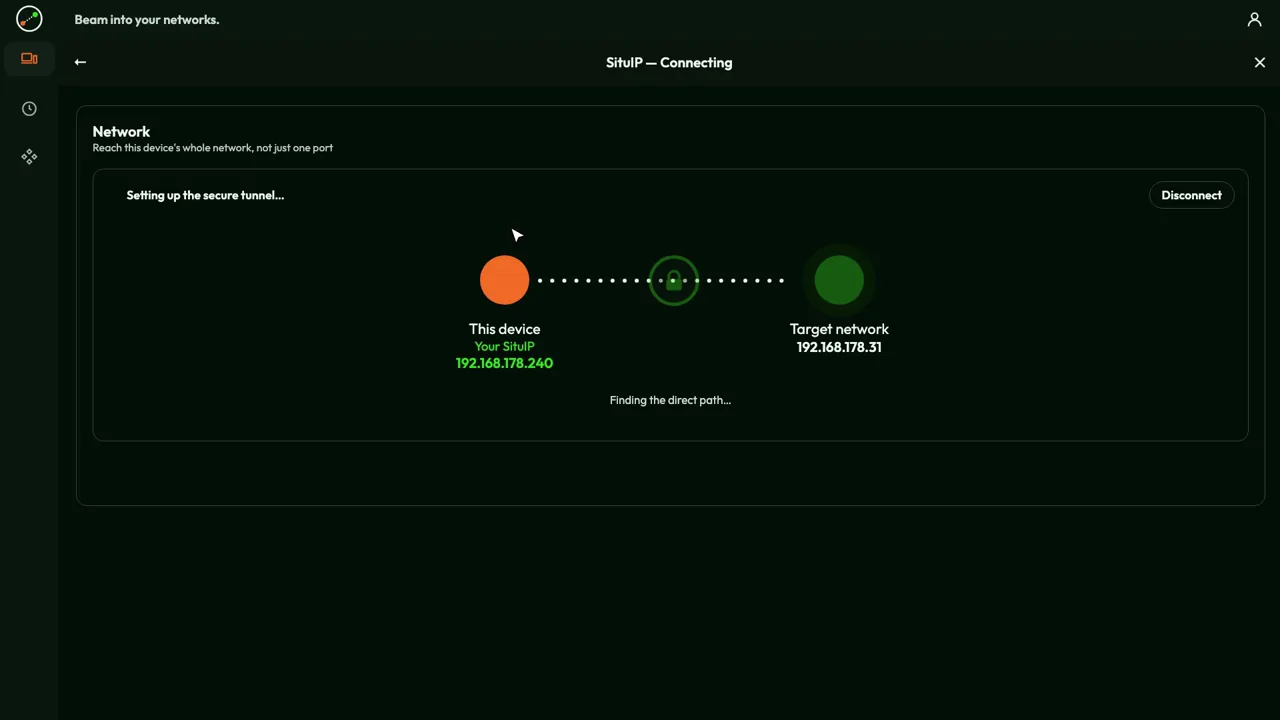
Before the trip Rita installed Awacino on her computer at home and on her phone. On the terrace she opened the app, tapped Beam out and chose her home. A few seconds later her phone was "at home": she opened the computer, found the document and copied the photos to the storage drive - as if she were sitting on the sofa.
Why it feels so simple
Nothing had to be set up at the router, there is no cloud folder to keep in sync, and nobody had to come round to help. Awacino connects the two devices directly - and only Rita can do it, from her own account.
Try it yourself
Two slots are free: your phone and one computer at home are enough. Rita's use case shows what else this gives you on holiday, and the tutorial walks you through every tap.

A view on technology
Dr.-Ing. Andreas Walter, Founder & CEO
Rita's phone and her home computer each make an outgoing connection to our servers, which only introduce the two devices to each other. Then the data goes directly between them, encrypted end to end - it never passes through us, and no port at home is open to the internet.
On the phone Awacino creates a small virtual network interface with a SituIP: a real address inside Rita's home network. That is why the computer, the storage drive and every other device answer at their usual address, with the apps she already uses.
The device at home "lends" its network only while Rita is beamed in, and only to her devices. Ending the session closes the path again.