Documentation
Account and settings
The person icon at the top right opens your account. Here is what each part does.
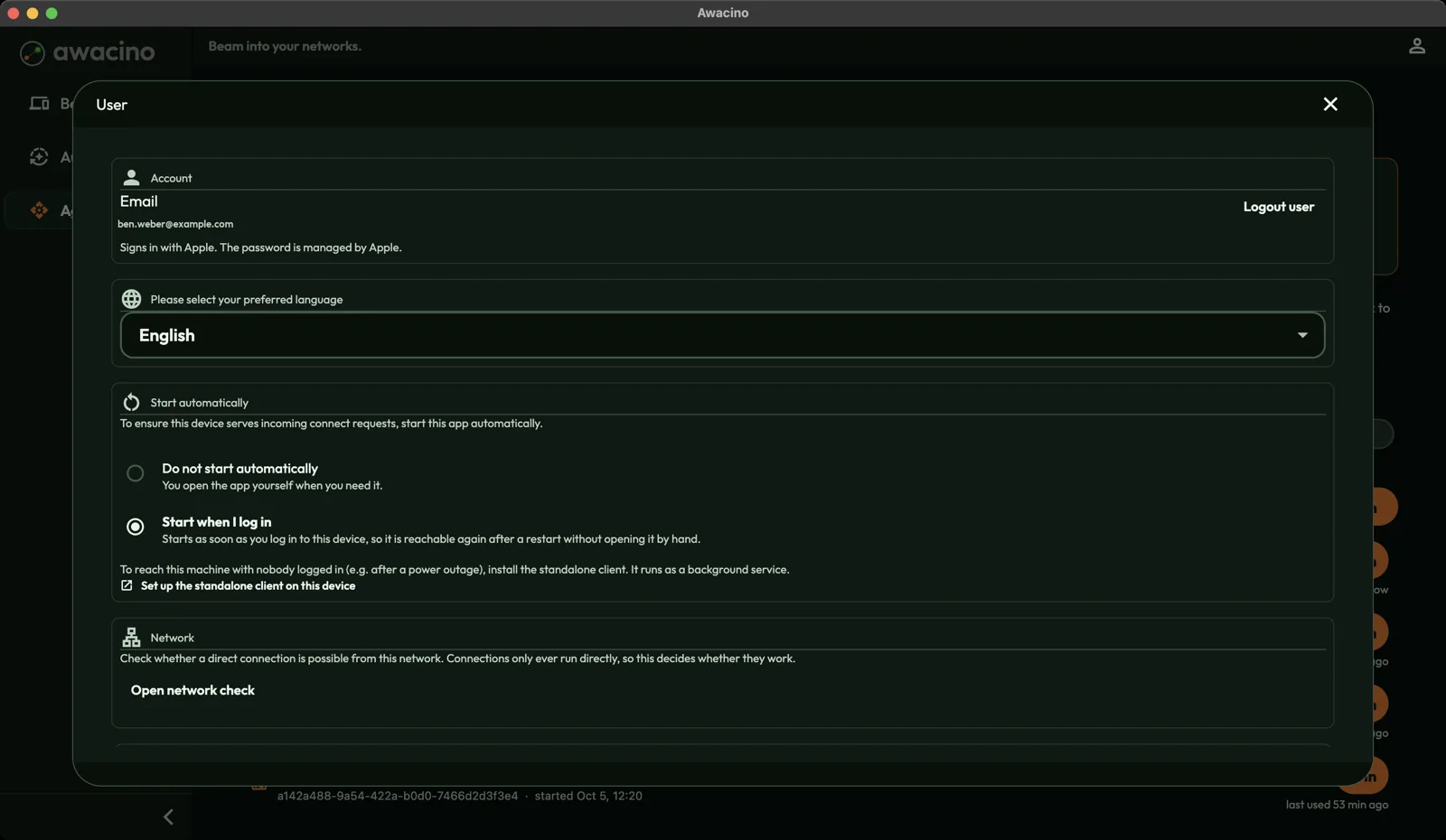
- Account shows the e-mail you signed in with. Logout user signs you out on this device.
- Language: choose the language of the app.
- Start automatically: Do not start automatically opens Awacino only when you start it. Start when I log in starts it with your computer, so the device stays reachable.
- Network: Open network check tests whether a direct connection is possible from the network you are in. Useful when a connection does not come up.
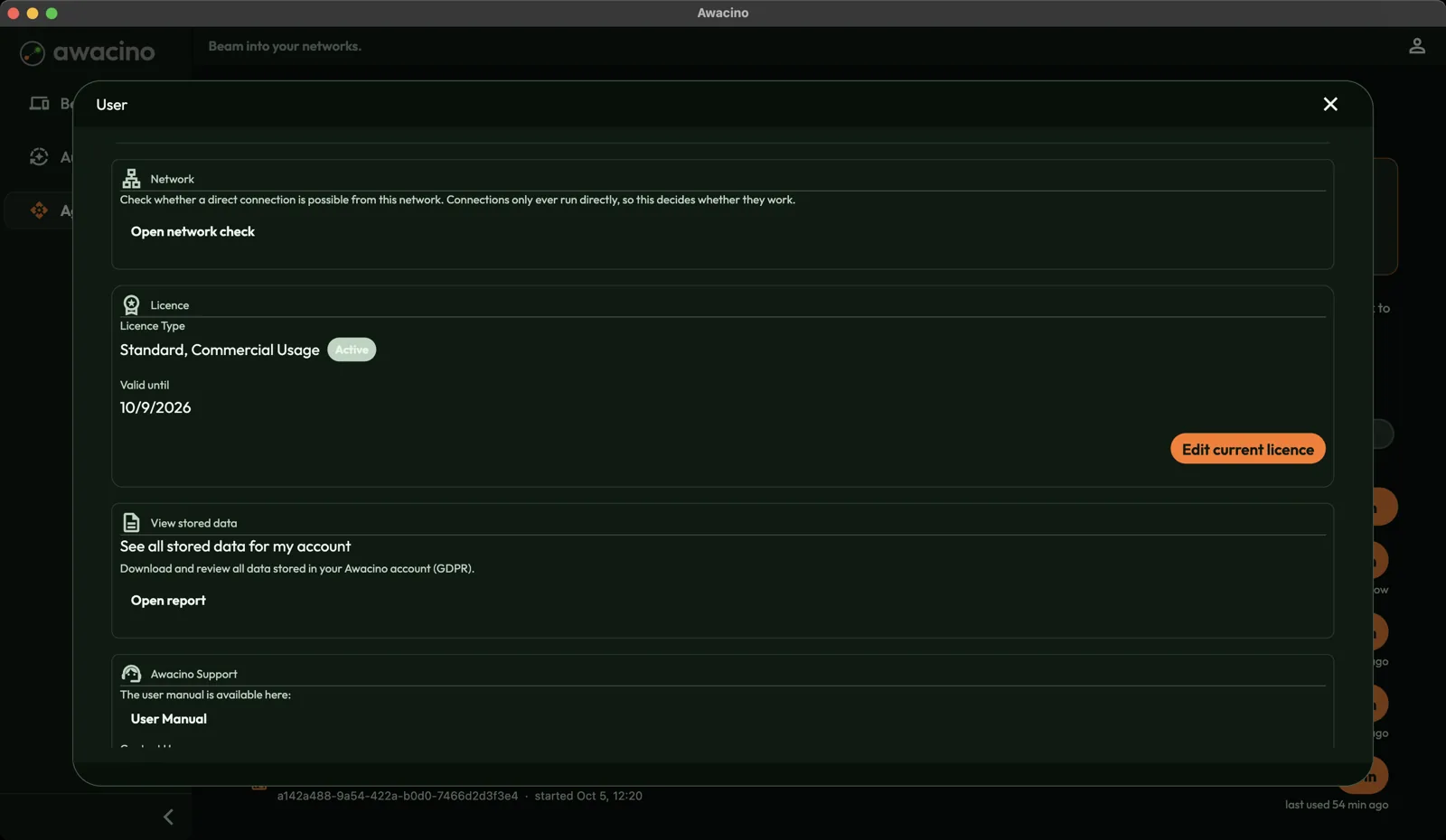
- Licence shows your plan and how long it runs. See Slots and licence.
- View stored data: Open report shows all data stored in your Awacino account, and lets you download it.
- Awacino Support: the user manual (this documentation), the contact form, and ways to report a bug or abuse.
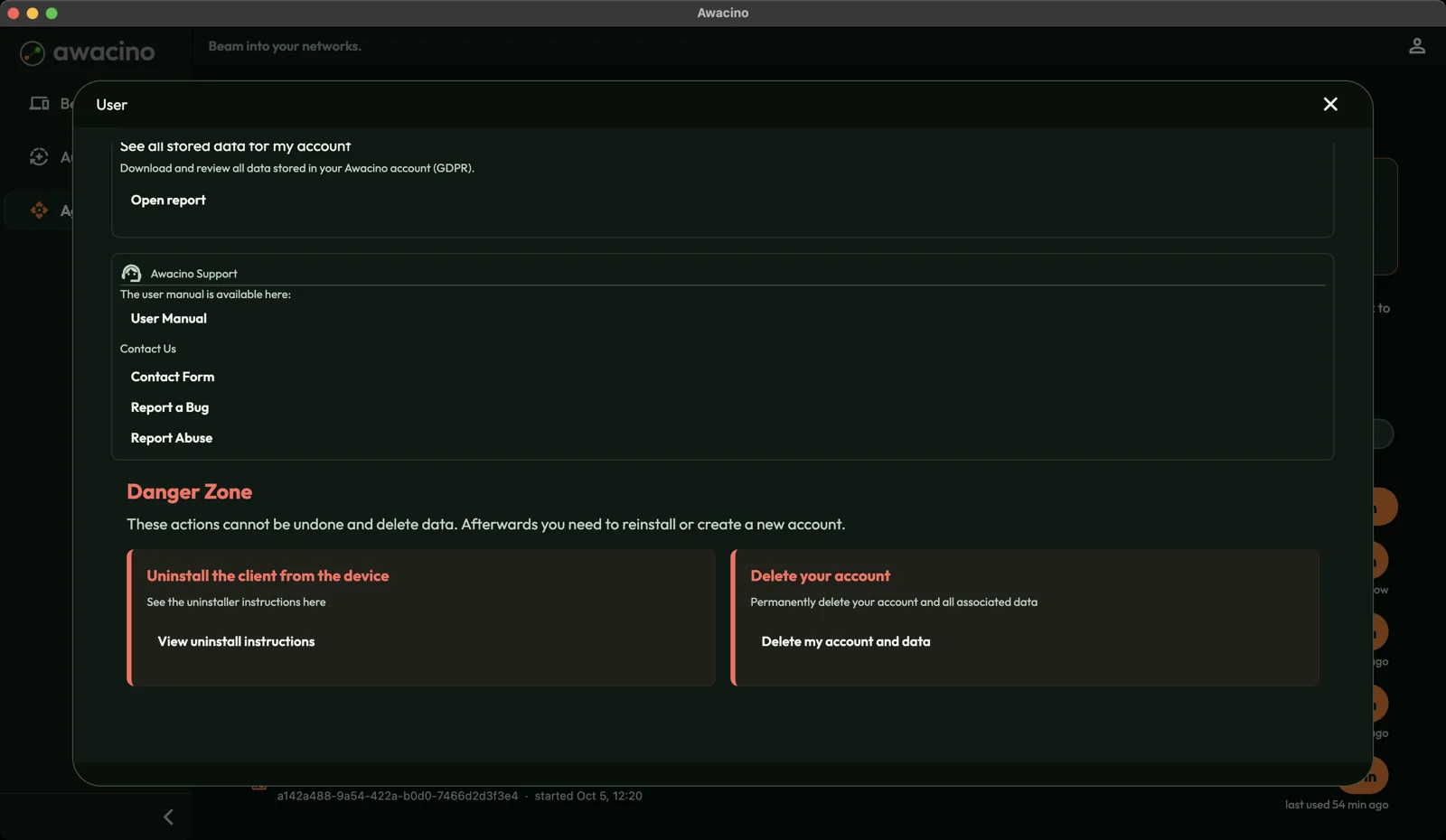
- View uninstall instructions explains how to remove the client from a device.
- Delete my account and data permanently deletes your account and all its data. This cannot be undone.