Tutorial
Open your office computer from the hotel room
Ben shows how his laptop beams into the office network and opens his office iMac - in under two minutes, in the real app.
Step by step
 Step 1
Pick the office device
Open Awacino. Under My devices Ben sees his office iMac and taps Connect.
 Step 2
Choose how much to reach
"Beam this device into the network" gives the laptop an address in the office - the whole network. Screen only or one port are the narrower choices.
 Step 3
Awacino finds the direct path
Laptop and office connect directly, encrypted end to end - no VPN gateway, no open port on the office firewall.
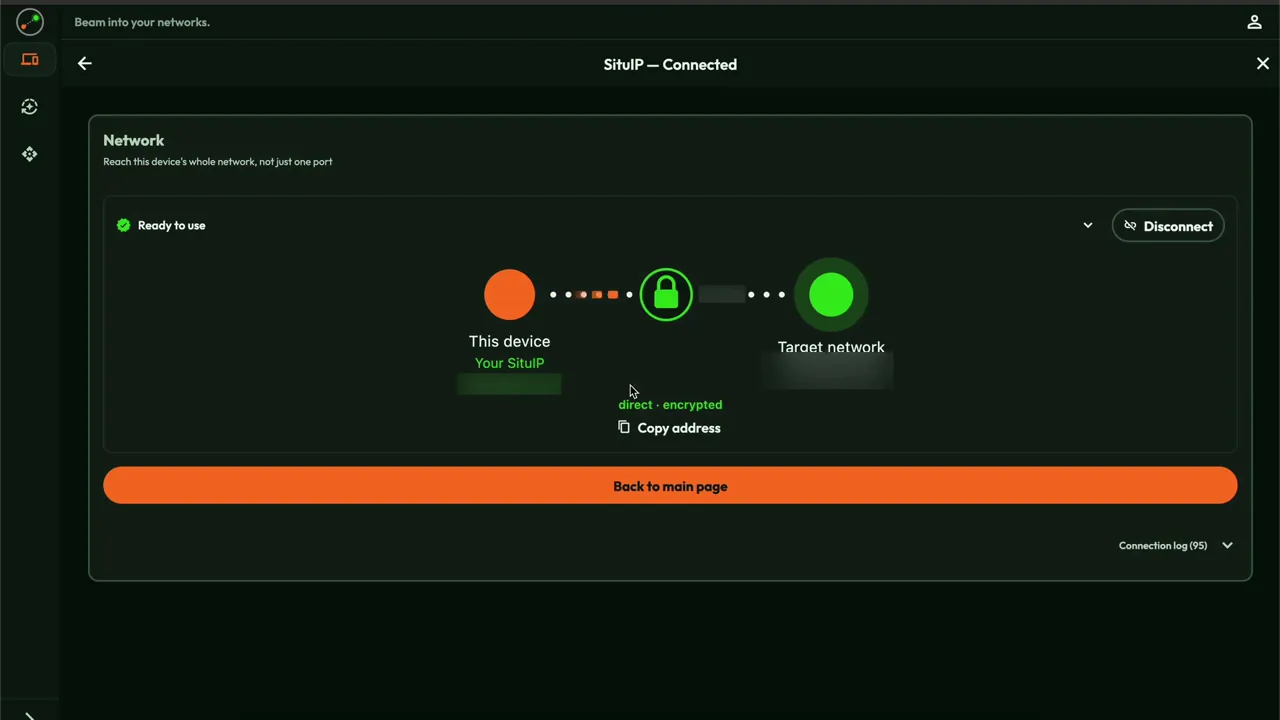 Step 4
An address inside the office
The laptop now has a SituIP in the office network. Databases and file shares answer at their usual address.
 Step 5
Open the screen
With screen sharing (VNC) or any remote desktop app Ben opens his iMac - as if he were at his desk.