Tutorials
First steps with Awacino
Start here: four short tutorials with Francesca.
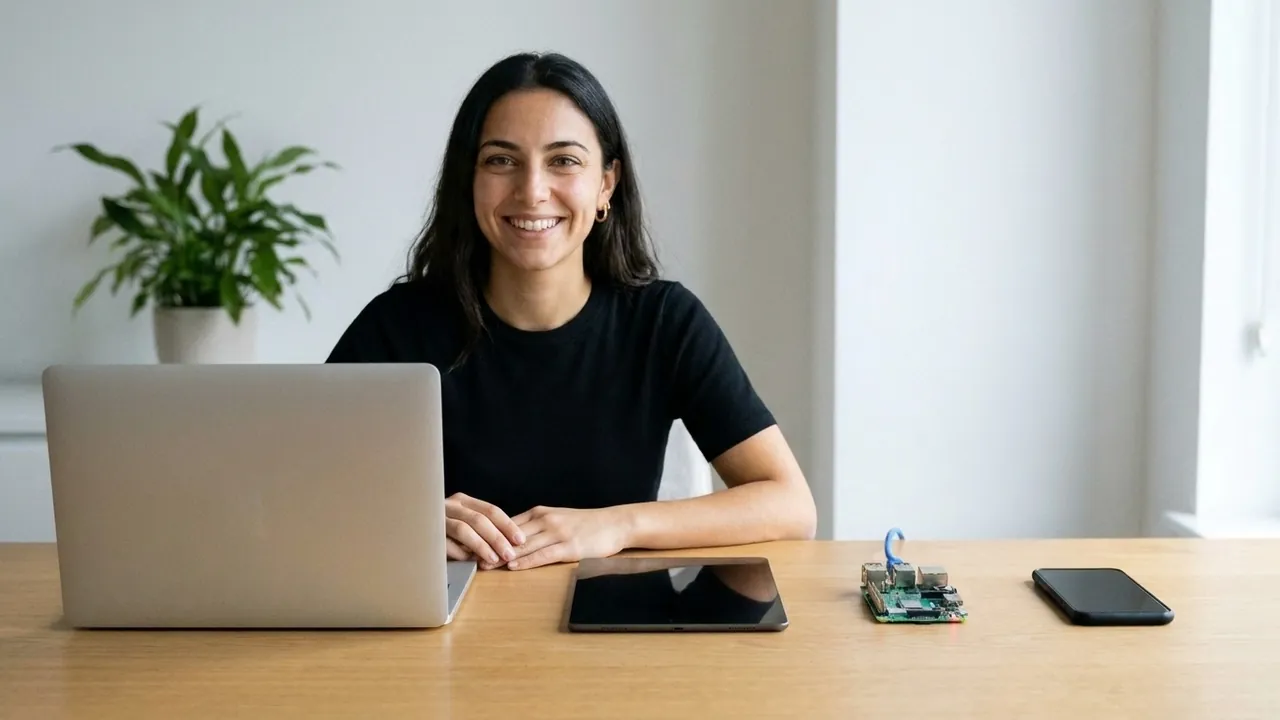
Four short tutorials with Francesca - step by step in the real app. Start with the first one, then pick what you need.
1 · Connect to a networkFirst steps with AwacinoFrancesca shows how to test Awacino in a few minutes: two devices, two networks, one beam - and from her phone on mobile data she reaches the Raspberry Pi on her desk.Open the tutorial
 2 · Create remote desktop connectionRemote desktop from anywhere - how toMac, Windows Home, Windows Pro, Linux and the terminal - Francesca shows each way step by step, without a VPN and without opening a port.Open the tutorial
 3 · Connect with a codeBeam out with a codeSomebody gave you a Beam-in code? Francesca shows how to connect with it on your phone: paste the code or scan its QR code in the app - and you are in their network, at their screen or at their port. You can try it once without an account.Open the tutorial
 4 · Create a Beam-in codeCreate a Beam-in codeFrancesca shows the exact steps in the app: Beam in, Grant device access, choose the machine and how much to share, and send the code - by email, by message or as a QR code. You can delete it any time.Open the tutorial