
Connect with a Beam-in code
You received a code from a company - five steps and you reach exactly what it opens.
No credit card needed · cancel anytime · secure checkout with Stripe
Joining with a code, step by step
A company gives you a Beam-in code for one job: a network, one machine's screen or one port. One code reaches one network - nothing else.
- The free Awacino app on your laptop or phone
- The 16-character Beam-in code or its QR code
- 1
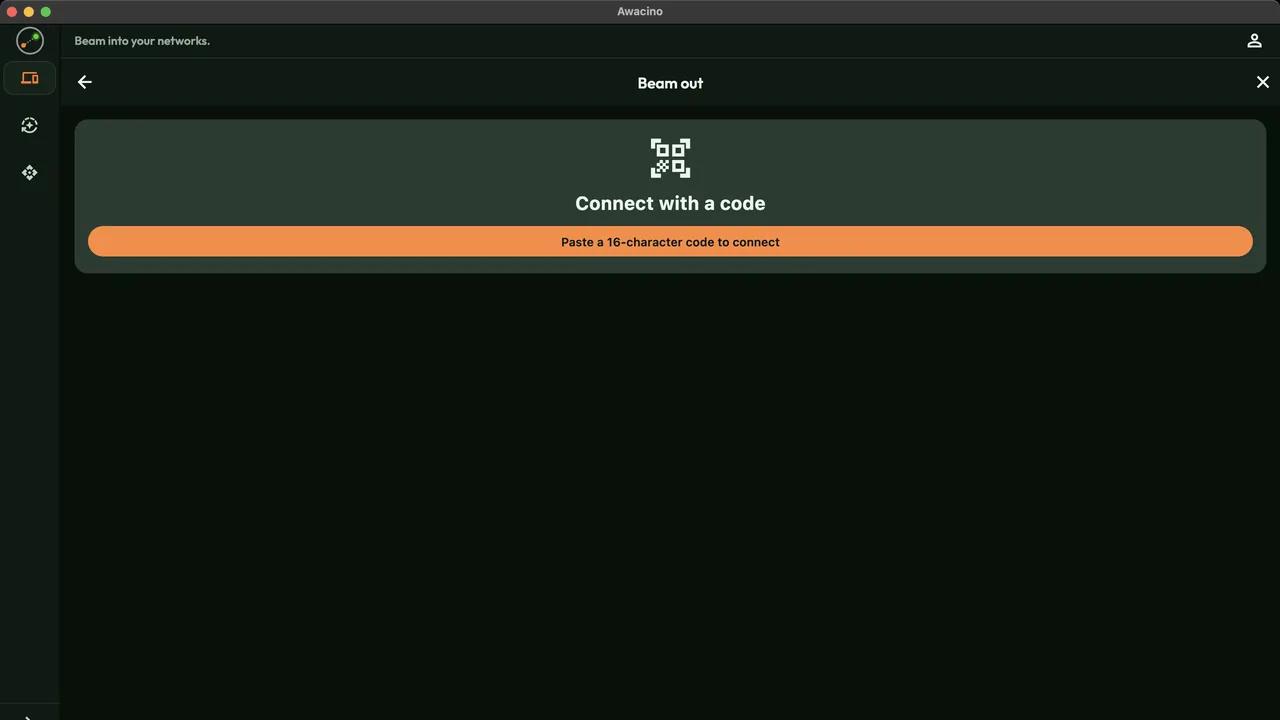
Open Beam out
In Awacino, tap Beam out and then Connect with a code.
- 2
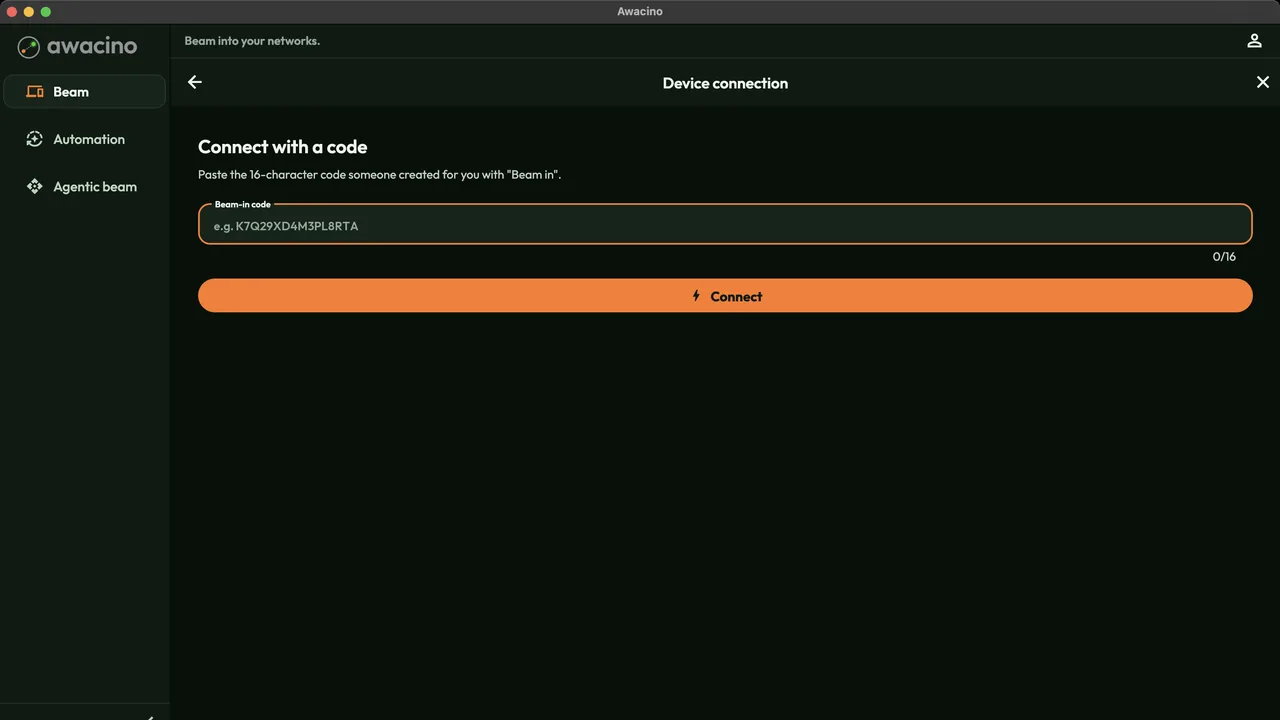
Paste the code
Paste the 16-character code from the mail or chat and tap Connect. On a phone you can scan the QR code instead.
The code decides what you reach - the network, one screen or one port. You choose nothing that was not shared.
- 3
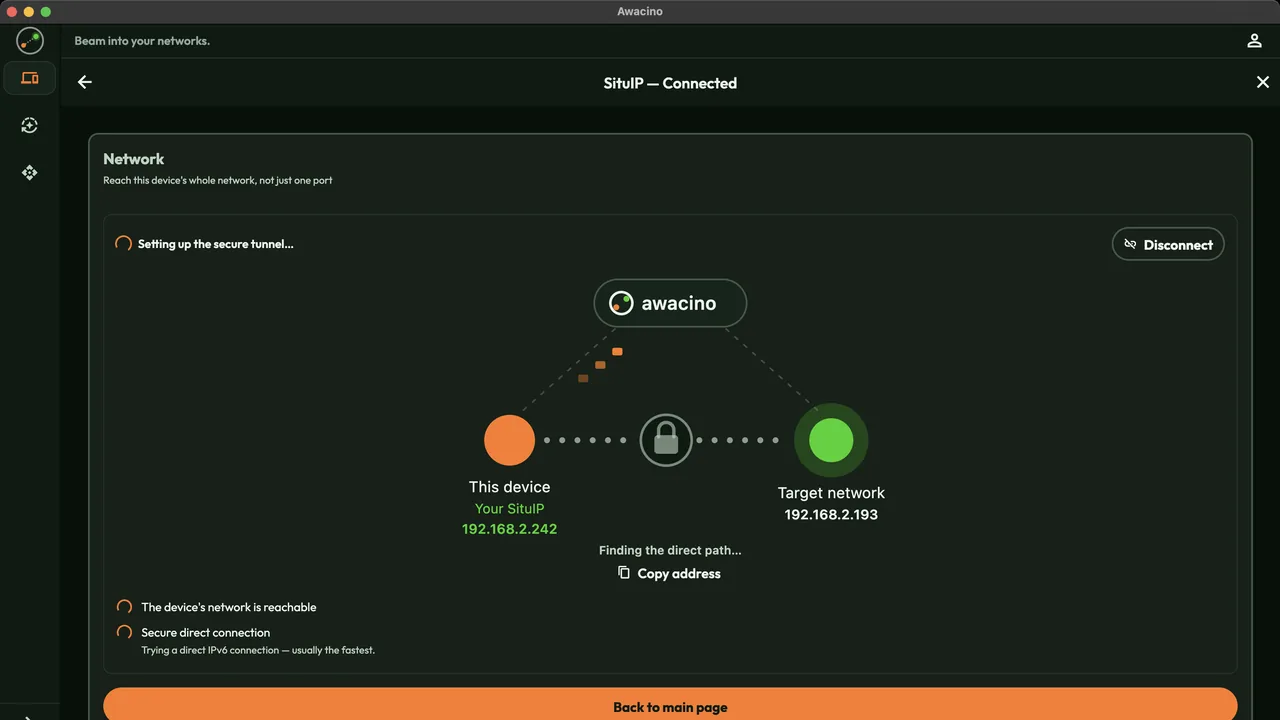
The direct path is set up
Awacino connects you directly to the shared network and encrypts everything end to end. The company opens no port for it.
- 4
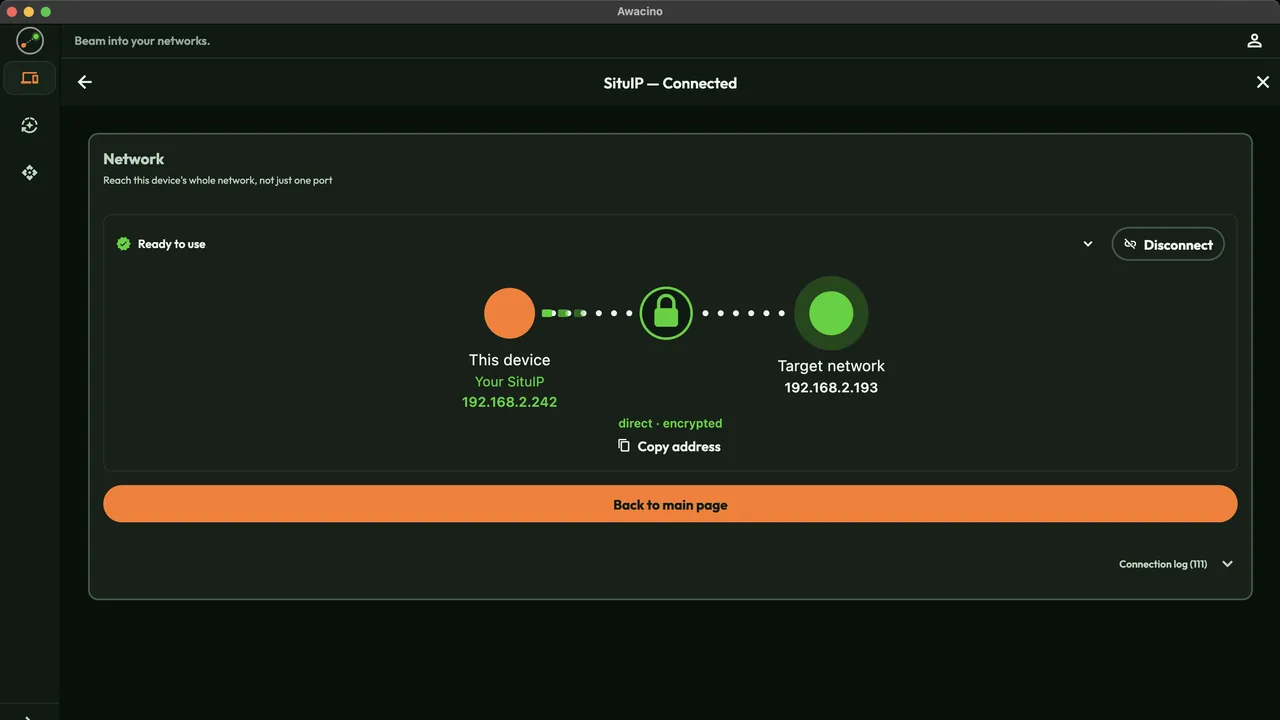
Ready to work
Ready to use: open the server, the machine controller or the web app at its usual address - your SituIP is your address in that network.
- 5
Disconnect when you are done
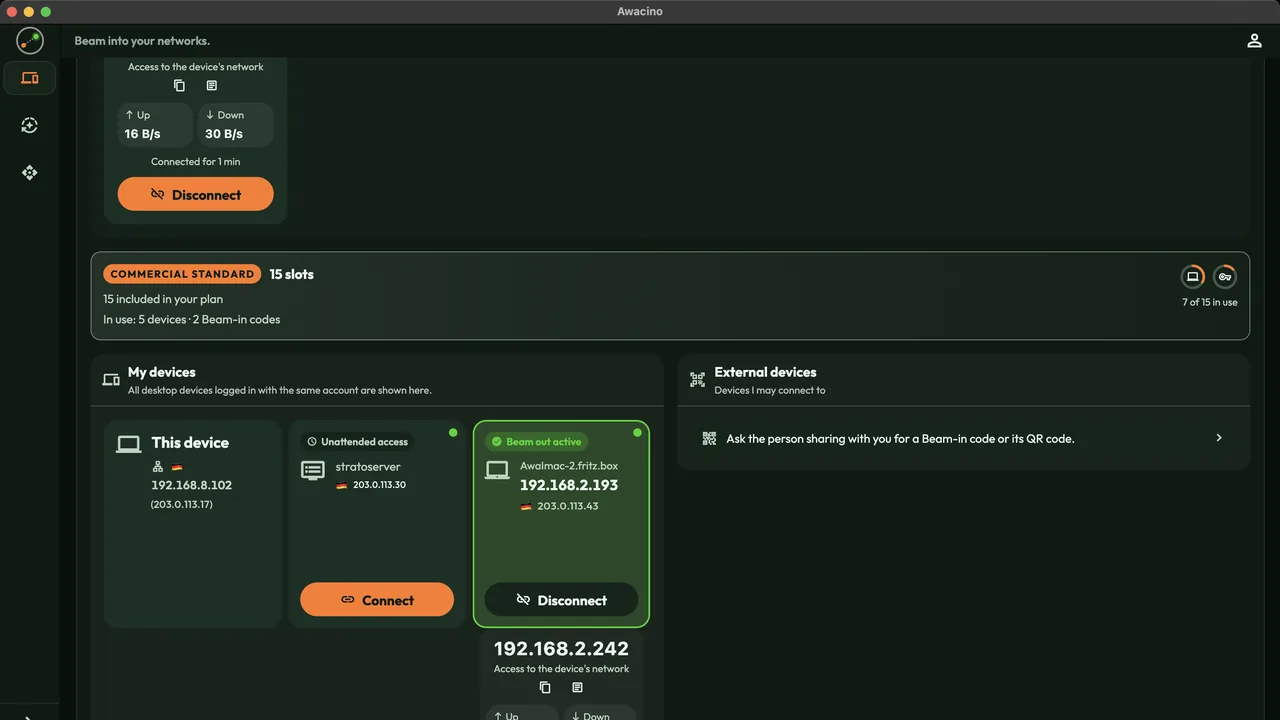
The shared device shows Beam out active. Disconnect ends the connection; the company can end the code at any time.
Work with partners without VPN accounts
Every company plan: 30 days free, no card. Or start on Company Free.
No credit card needed · cancel anytime · secure checkout with Stripe