Rethinking remote desktop access
 By Dr.-Ing. Andreas Walter, Founder & CEO ·
Remote desktop is usually treated as a product of its own: one more tool to install on every computer, one more account, one more thing that waits on the internet. I think it can be much smaller. If you are in the network, the remote desktop is already there.
The two usual ways in
The first way is to open the built-in remote desktop to the internet: forward port 3389 to the office PC, or 5900 for VNC, and connect from anywhere. It is simple and it is dangerous - about 1.8 million RDP servers and 1.6 million VNC servers are reachable on the internet (Forescout, April 2026), and an open remote-desktop port is exactly what scanners look for.
The second way is a remote-control tool such as TeamViewer or AnyDesk. These are mature products and excellent for spontaneous help on someone's computer. Their approach is to install their own agent on every machine you want to control and to connect you to its screen. That is exactly right for a screen - and a detour for everything else: the file share, the database, the SSH session, the printer's admin page.
Be in the network, use what you already have
Awacino starts one level lower. You beam out into the office, and your laptop gets a SituIP, a real address inside the office network. From then on the remote desktop is just the client you already have:
- Windows Remote Desktop (RDP) - mstsc is already installed on Windows, and Microsoft's client exists for Mac, iPhone and Android.
- VNC and macOS Screen Sharing - built into every Mac, and many Linux desktops have screen sharing built in.
- SSH for servers, the file share in Explorer or Finder, the database client, the web interface of the NAS - all at their usual addresses.
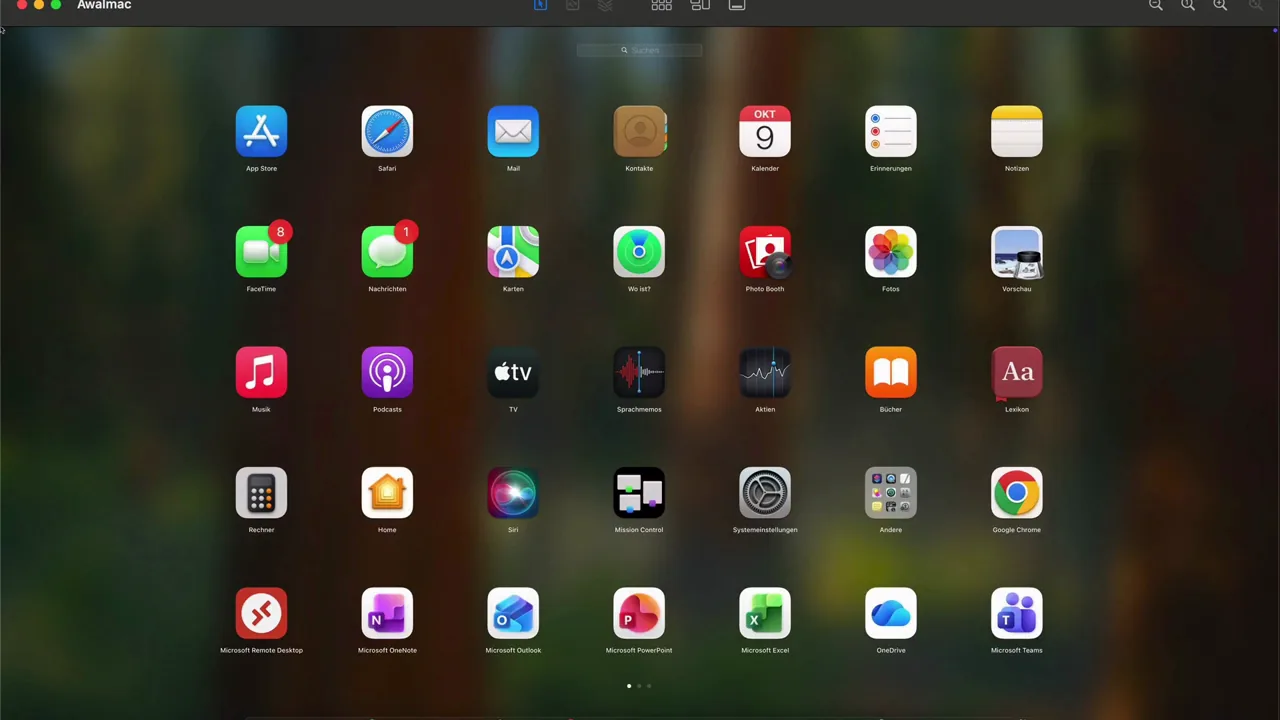
No extra remote-control software on the target. It needs only its own remote desktop switched on (Windows Home editions cannot accept RDP connections; there a VNC server is needed). Awacino itself runs on one device in that network - the PC itself, or another one that stays on. And if you prefer it all in one app: on iPhone, iPad and Android, Awacino shows the remote screen itself over VNC or RDP, and on the Mac it shows VNC screens in the app.
Why the office firewall stays closed
Nothing in the office waits for the internet. The device there dials out, our servers only introduce it to your laptop, and the two open a direct, end-to-end encrypted connection between them. Your screen, your files and your keystrokes never pass through us. That means:
- no forwarded RDP or VNC port, no VPN gateway, no exposed remote desktop;
- the device that lends its network runs unprivileged;
- a Beam-in code for your IT partner can be limited to the screen only - port 3389 or 5900 of one machine, nothing else on the network - and you pause or revoke it at any time;
- commercial plans log sign-ins, connections and Beam-in codes, never the content.
All of it is explained on our security page.
Real addresses, not a second network
Overlay networks such as Tailscale and ZeroTier also avoid open ports, and they do it well. Their model is a separate virtual network: every device gets an address there - with Tailscale in the 100.64.0.0/10 range - and every machine you want to reach runs their client, or you set up a subnet router for the rest of the local network.
With a SituIP your laptop becomes, say, 192.168.2.47 in the office, and the office PC stays at the address on its sticker. Saved RDP connections, the mapped drive, the bookmarked admin page - all keep working, because nothing was renamed. (If your home network happens to use the same range as the office, Awacino falls back to a private 100.64.x.x address.)
Where it also works
- Behind CGNAT and on 5G - with no static IP and no router configuration on either side.
- Machines nobody sits at - the Unattended Client runs headless on a server, a NAS or a Raspberry Pi, with no admin rights, and keeps its network ready to beam into.
- At home, too - your own PC from holiday, for private use, free with two slots.
- With AI agents - Agentic Beam lets the Claude CLI on one computer work with Claude on your others, over the same direct path (part of the commercial licence).
What it costs compared with remote-control tools
Again I will compare what you pay for, not amounts - prices change, structures less so.
| Remote-control tools (e.g. TeamViewer, AnyDesk) | Awacino | |
|---|---|---|
| What you pay for | commercial licences, usually per licensed user or technician and per number of simultaneous sessions, often billed yearly | slots: each device with Awacino and each active Beam-in code; people and technicians are never counted |
| On the target machine | their agent on every machine you want to control | nothing extra: its built-in RDP or VNC; Awacino on one device in the network |
| Your client | their app | the RDP, VNC, SSH, file-share and database clients you already have, or the viewer in Awacino |
| What you reach | the screen, plus their own features such as file transfer | the whole network, or only the screen - you choose per code |
| To start | free for private use, under their terms | free with 2 slots |
For a quick session on a stranger's computer, a remote-control tool is still a good choice, and I would not pretend otherwise. For your own machines and your team, Awacino lets you pay for the devices and codes that have access, not for the people who use them. Teams use commercial plans with more slots; see pricing.
Is it as reliable?
A fair question: a remote desktop is only useful if the machine answers when you need it.
- Servers, NAS, Raspberry Pi: the Unattended Client runs as a background service. On Linux it starts again by itself after a reboot or a power cut; on a NAS it runs as a container that the NAS starts again. Nobody needs to be logged in.
- PCs and Macs: the Awacino app can start by itself when you log in, so the machine is reachable again after a restart without opening the app by hand.
- Phones and sleeping Macs: when you connect, Awacino can wake the app on the other device by a push message. A phone usually answers within half a minute; a Mac only while it is plugged in and set to wake for network access.
To be fair: TeamViewer and AnyDesk also offer unattended access that survives a reboot. Reliability is not where the approaches differ - they differ in what has to wait on the machine, and in what you can reach once you are there.
Try it on your own desk
Install Awacino on the office PC and on your laptop, switch on Remote Desktop or Screen Sharing on the PC, tap Beam out - and open your usual client. Download the app, read why Awacino in four points, or become one of our testers.
Videos
About the author
Dr.-Ing. Andreas Walter founded Awacino and designs its network technology.